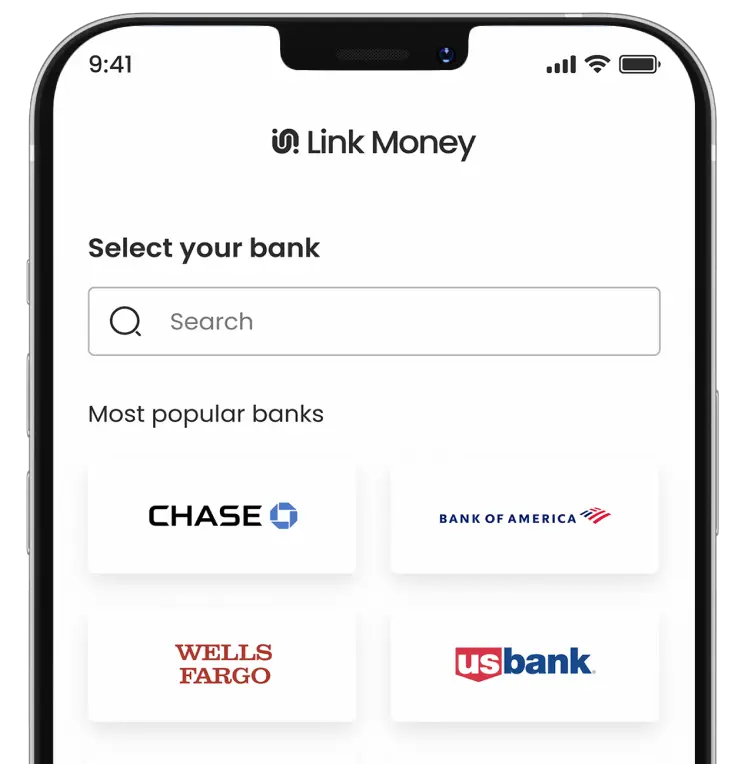
In-Store Payments
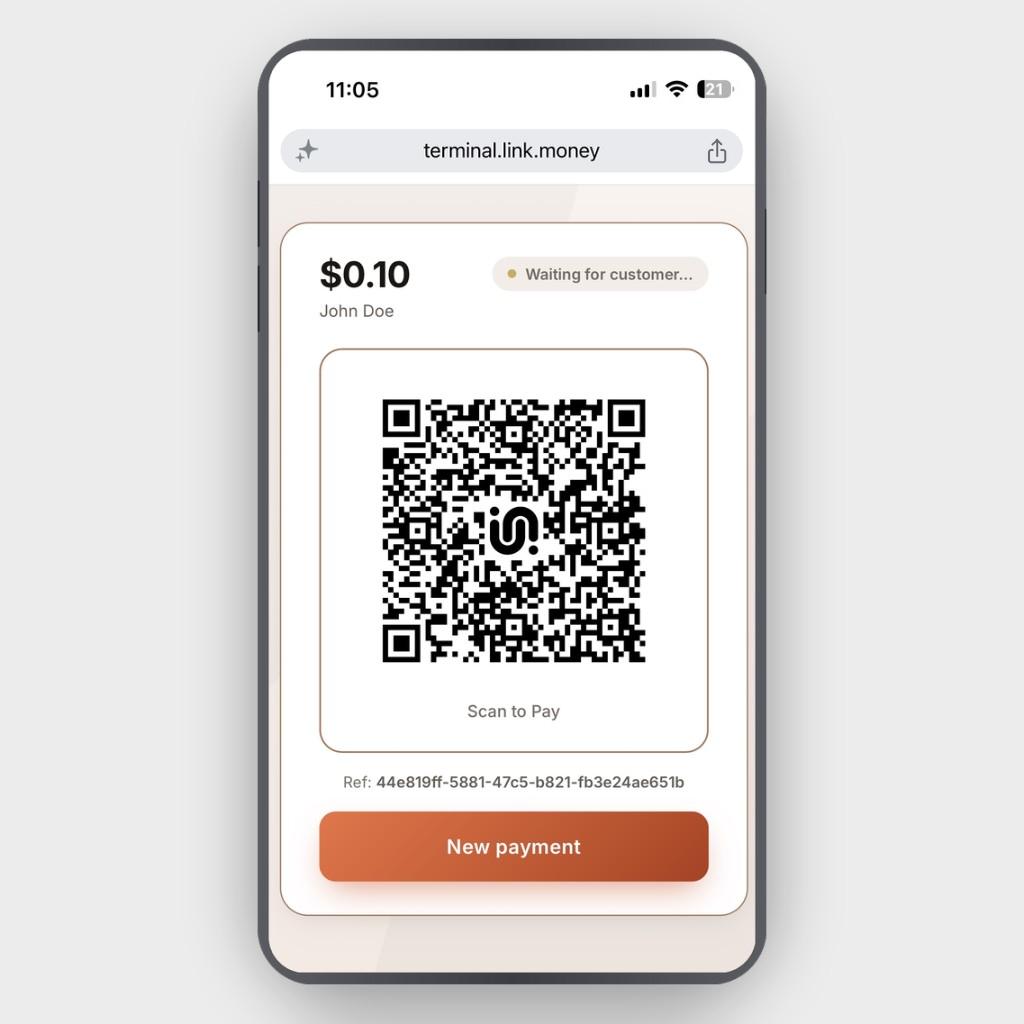
Charge your customers at the counter. Enter the amount and choose the delivery (QR code, text, or email). Your customer clicks the link, logs into their bank account, and pays. The status updates on your screen instantly.
What matters
Three things that matter


Cheaper than cards
No interchange. Lower cost on every transaction, with savings that scale as you grow.

Fewer chargebacks
Sophisticated decisioning on every transaction, plus bank payments that are far harder to dispute.

Never worry about funds
Same-day settlement, daily payouts, and no reserve, so your money is never frozen or held.
How it works
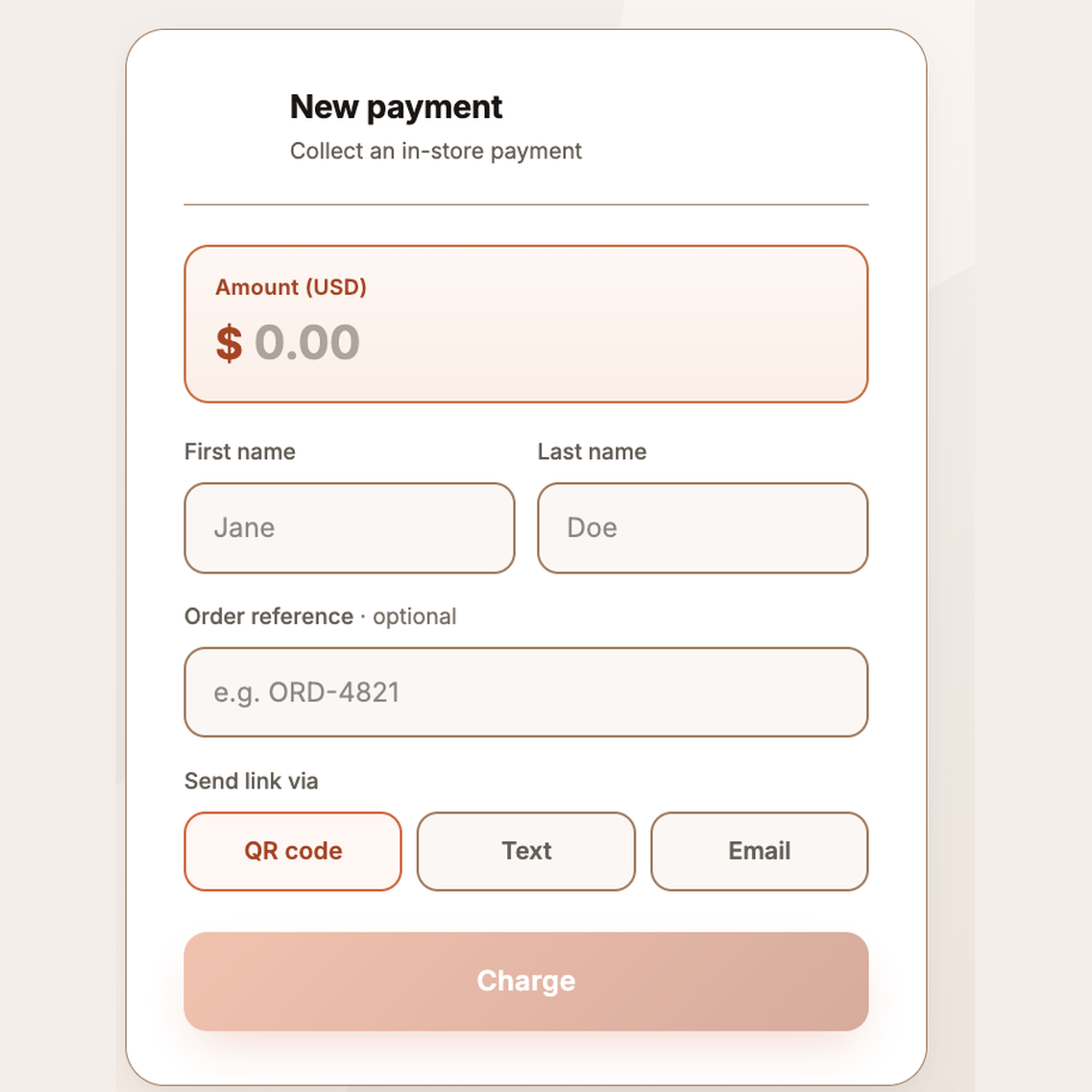
Enter the amount. Send the link. Get paid.
Open the online terminal on any device and enter the payment details. Choose how they’ll pay: scan a QR code at the counter, receive a text, or get a link via email. The customer clicks the link, logs into their bank account, and pays. As soon as the payment is authorized, you’ll see confirmation on your screen.
Where it Fits
One tool for every
off-checkout scenario

At the counter
In-person payments for any business.

Over the phone
Text or email a link to pay.

Pop-ups & events
Get paid anywhere with a mobile device.